Hundreds of files. The right folders. One click.
If it lives in a folder tree, BulkFileReplace can update it.
Content and marketing
New logos, brand assets and templates, dropped into every campaign and department folder.
Music producers
Updated samples and presets, across every project that uses them.
3D and game artists
Revised textures and materials, everywhere they're referenced.
Educators
This term's handouts and slides, over last term's, in every course folder.
Office and IT
Shared document templates updated across team folders, with a backup of each old one.
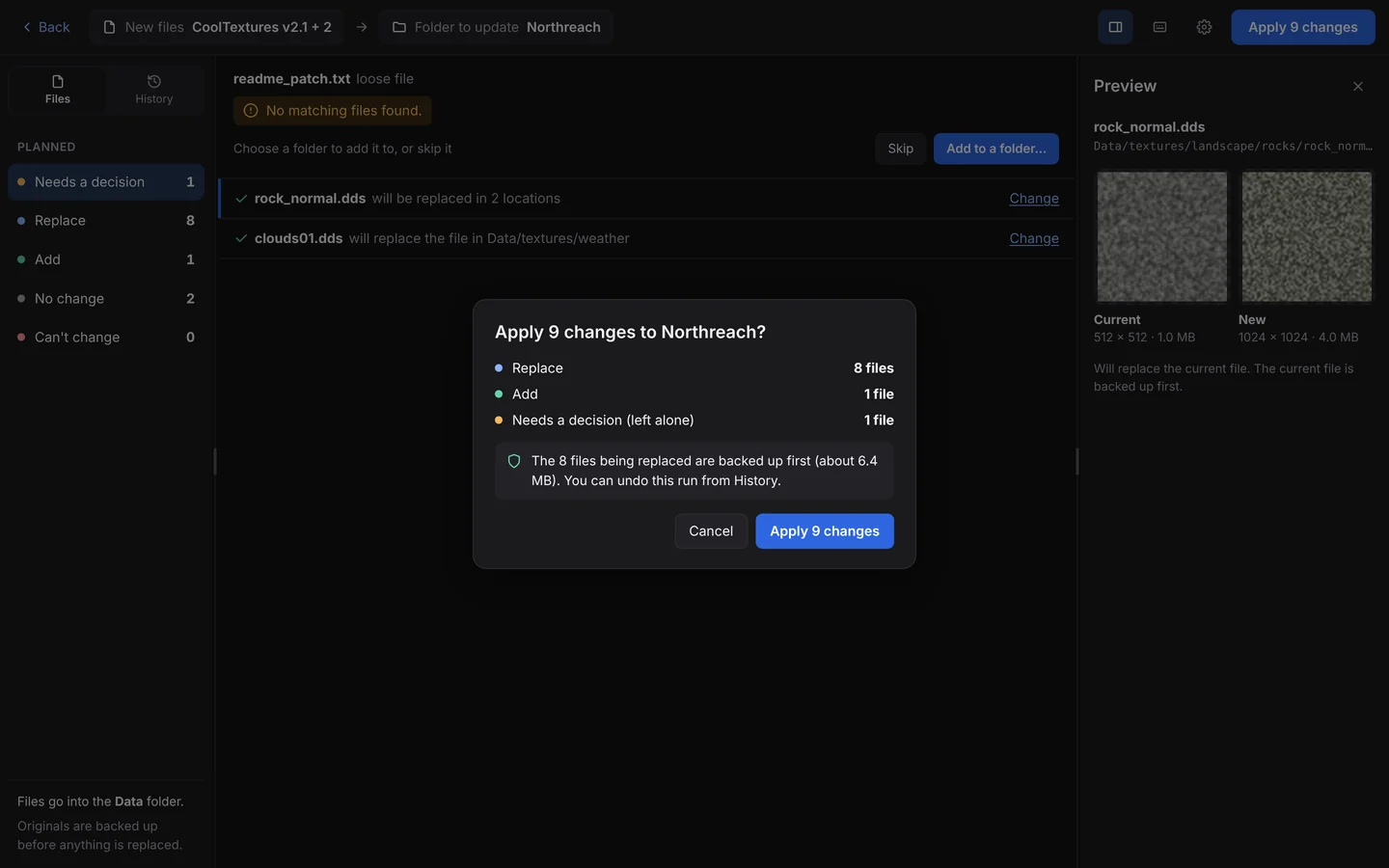
Why not just copy and paste?
Because at a few hundred files, copy and paste means a lot of folder hunting, a lot of "Replace the file?" prompts, and no record of what you changed. BulkFileReplace finds every match, shows you the whole plan, backs everything up and keeps the run in History. Side by side →
Bulk file replacement, done right.
Preview every change, automatic backups, undo any run. $19 once.