Your re-edits, back where they belong.
Drop the new exports, pick the project folder, and BulkFileReplace puts each one over its original, wherever it lives. See every change first; undo any run.
Made for the second pass
- Re-edited exports. A retoucher sends back 300 files. BulkFileReplace finds each original across your shoot folders and replaces it.
- Proxies to finals. Swap placeholder or proxy files for full-resolution versions across a project in one go.
- LUTs, presets, templates. Update the same files everywhere they're used.
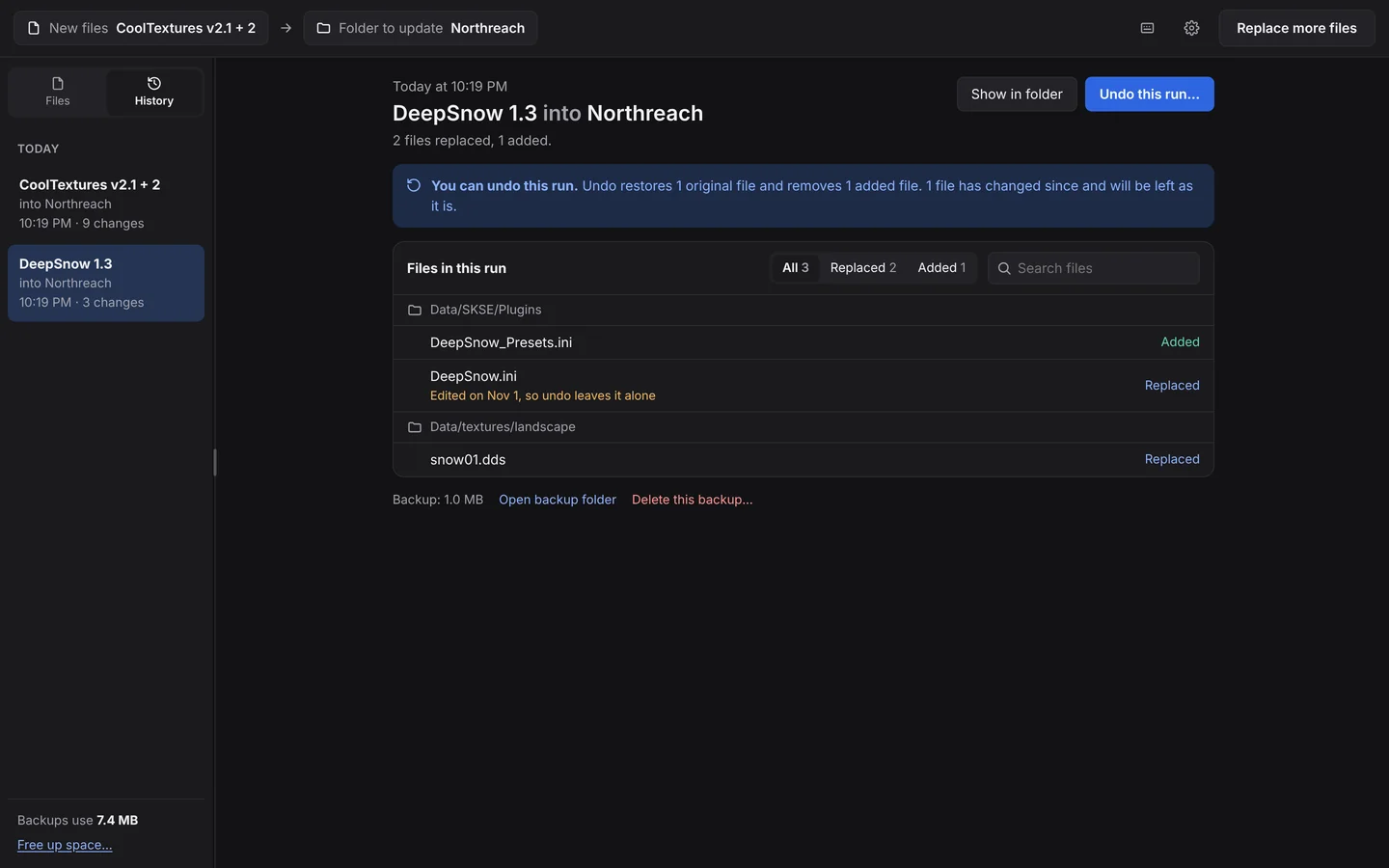
Your originals stay safe
Before anything is replaced, BulkFileReplace makes a verified copy of the original. Images are previewed Current vs New, side by side, so you can see you've got the right version. If something's off, Undo restores the originals in one click.
When a file name shows up in more than one folder, it asks you where the new version goes. It never guesses.
Questions
Will it change my file names or folders?
No. New versions go over the originals, keeping their names and locations.
Can it handle thousands of photos?
Yes. The review list is built for thousands of files, and files that are already identical are skipped automatically.
Which image previews does it show?
JPG, PNG, WebP, GIF, BMP and TIFF are shown side by side; other files show size and date.
Re-edits in. Originals backed up.
Preview every change, automatic backups, undo any run. $19 once.